01
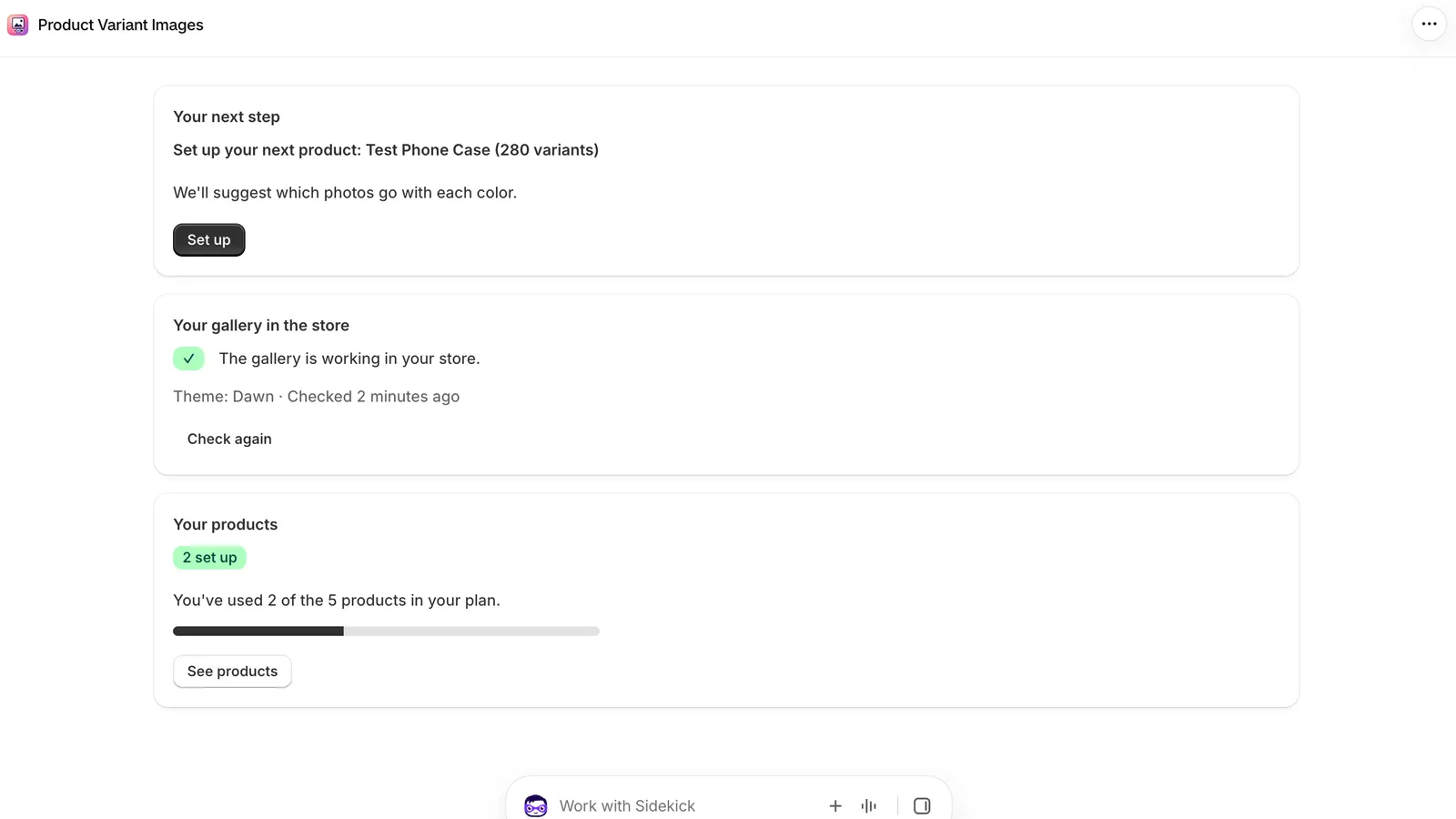
5 minGuided setup
Public Shopify app that gives every color variant its own photo gallery, with a guided setup of about five minutes and no code.
Guided setup
Lines of code for the merchant
Plans, starting free
Bilingual support
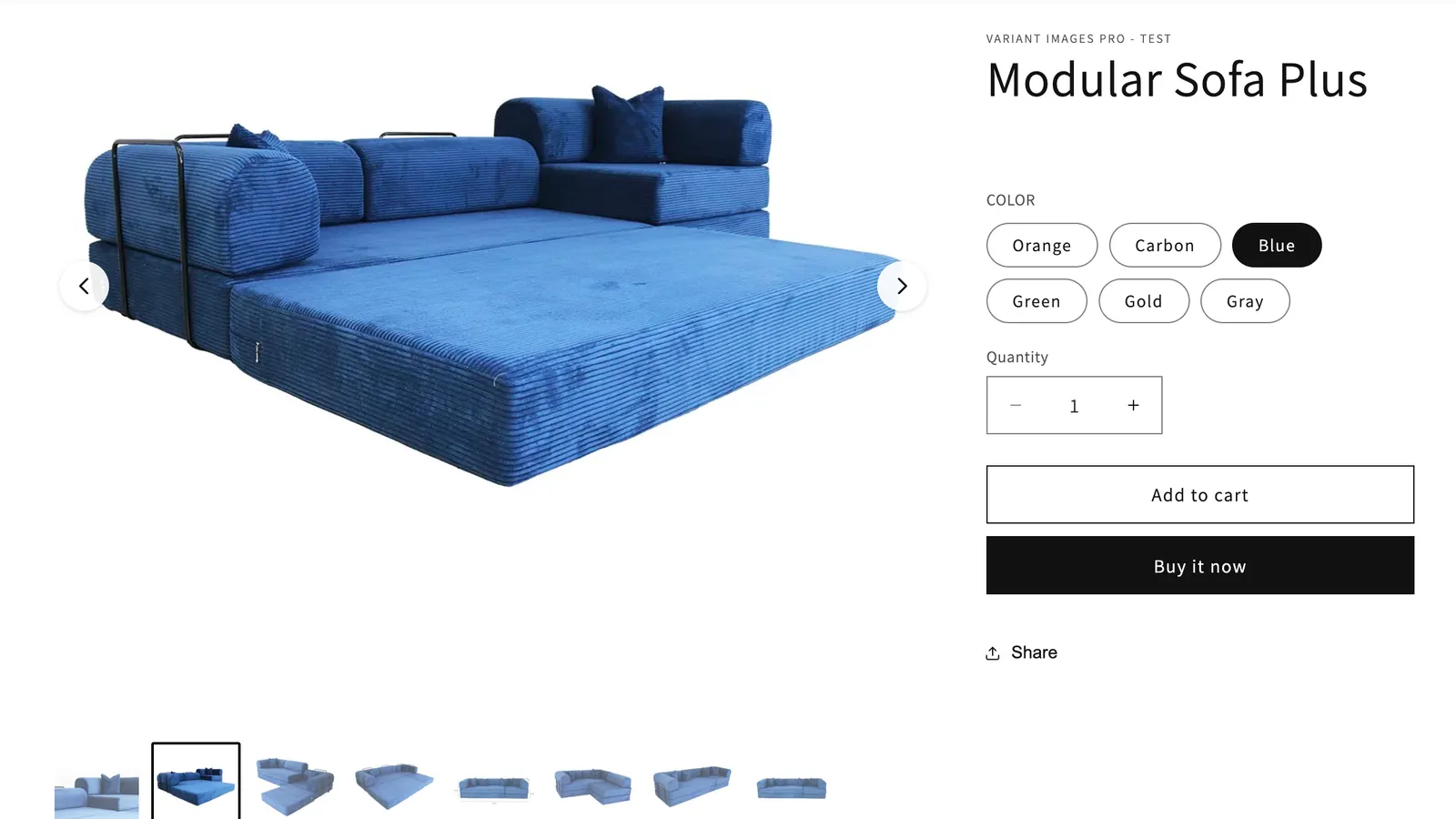
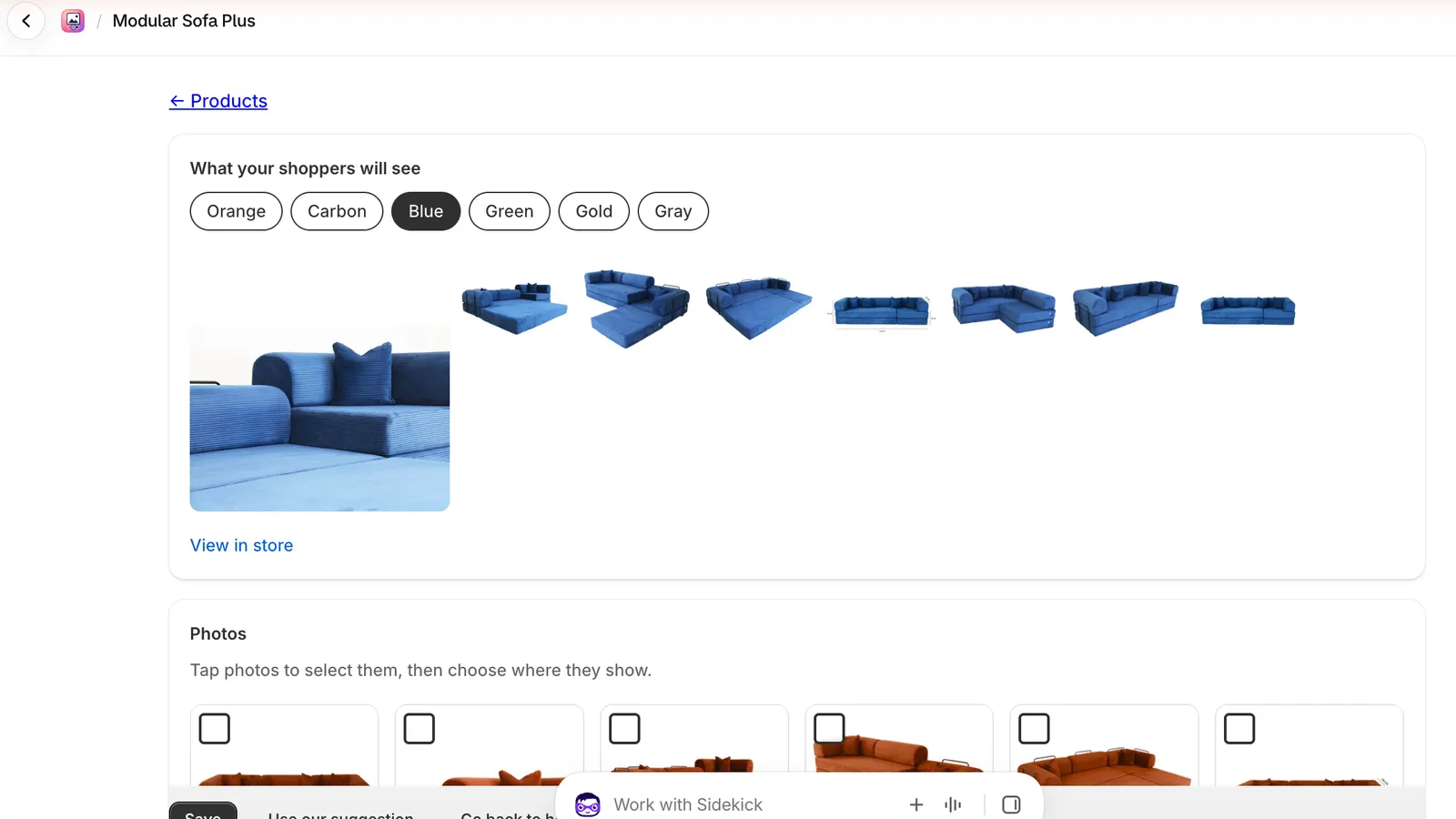
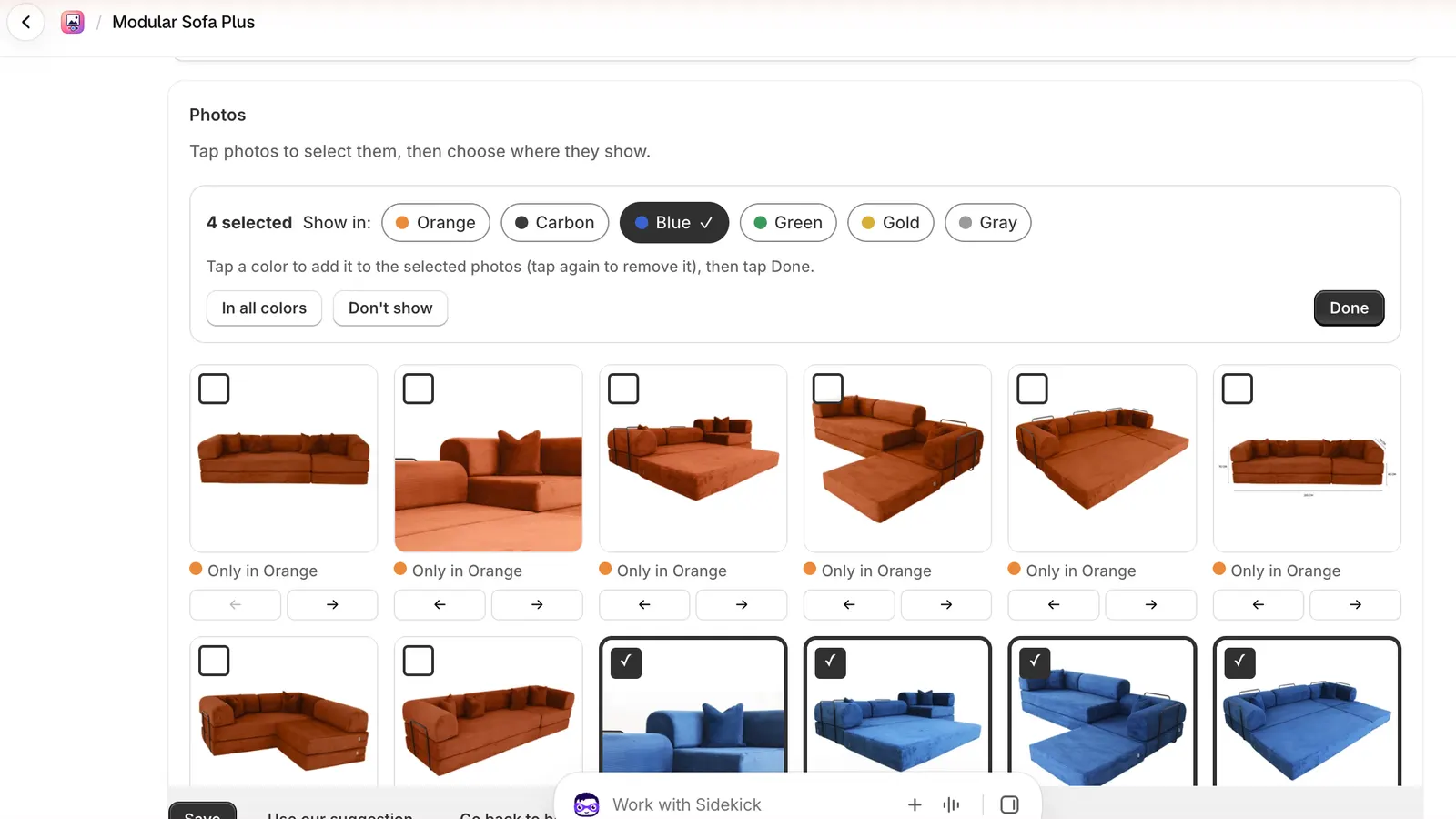
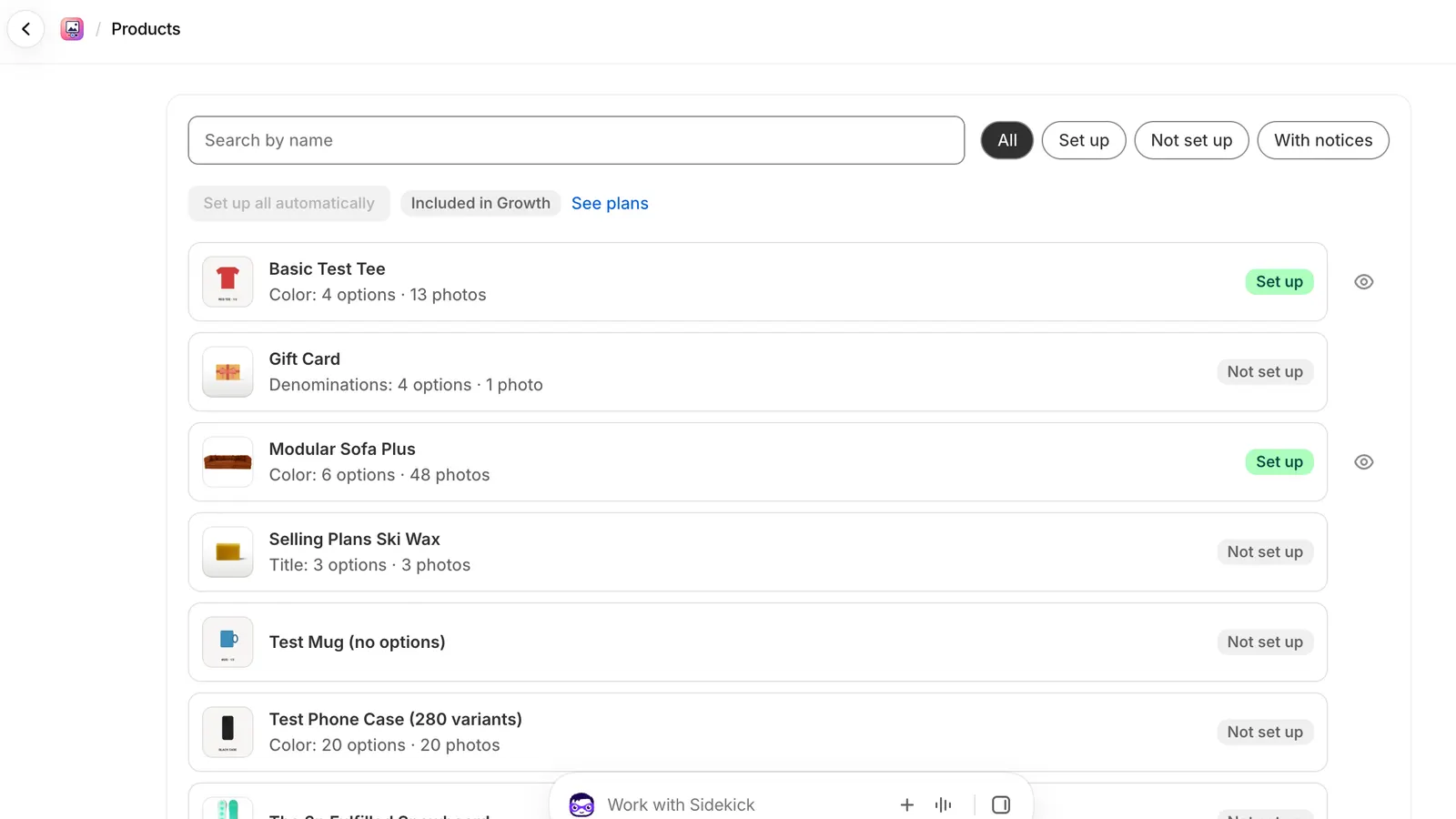
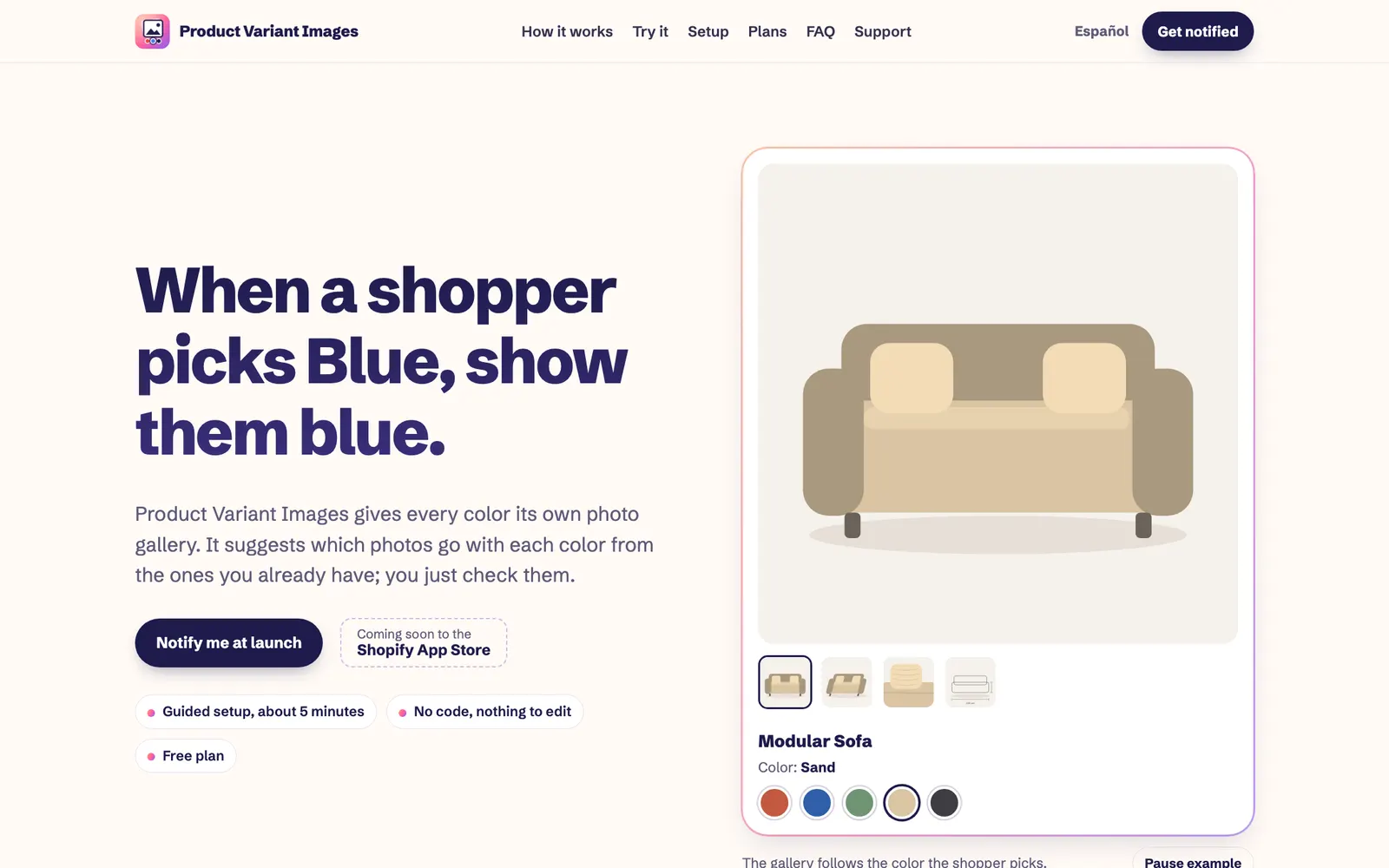
Screens from the live site.
Shopify shows every photo of a product, whatever the shopper selects. Five colors, sixteen photos: they pick Green and scroll past orange, blue and gray to find it, or they buy without seeing the color they chose. The usual fixes are editing theme code, creating one product per color, or tagging every photo by hand.
The app sorts photos by color using the photo chosen for each variant, the color in the file name or alt text, the color of the product in each photo, and their order. The merchant checks the suggestion, fixes anything in a tap and adds the gallery from the theme editor. Photos in Shopify are never changed: after uninstalling, the store shows its usual photos again.